Growth
Email campaigns
Send a branded bulk email to a chosen audience, and see who opened and clicked.
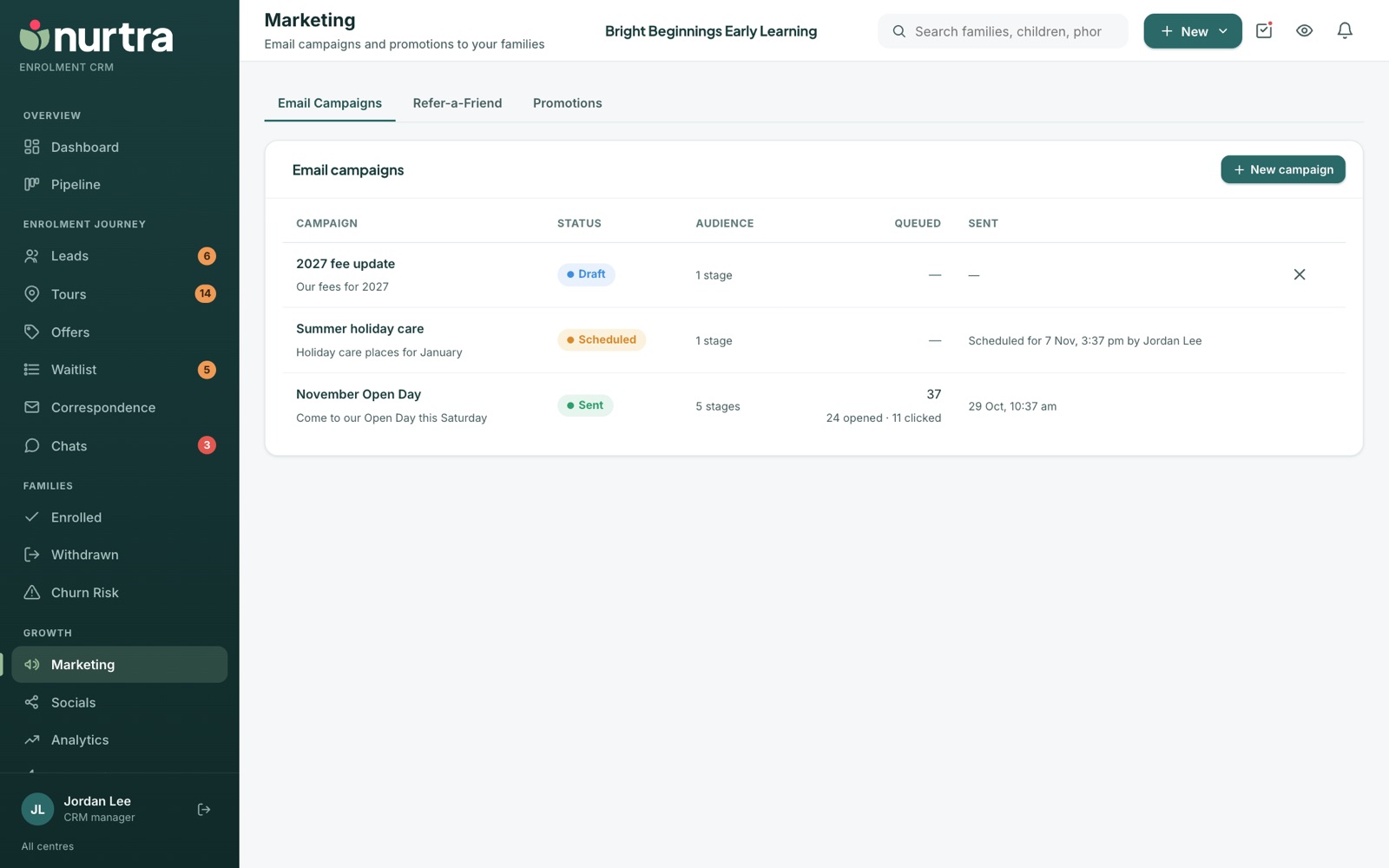
Create a campaign
- Go to Marketing → Email Campaigns and press New campaign.
- Give it an internal name (families never see it) and an email subject. Placeholders work in the subject and every block.
- Choose the audience: centres or a whole brand, then stages and sources. Nurtra shows how many families it reaches.
- Build the email from blocks: logo, heading, text, button with label and link, and divider. The preview shows the result. Or describe it to the Build with AI wand and edit the draft.
- Send now, or Schedule… for a day and time. A scheduled campaign goes to the audience as it stands at that moment and can be unscheduled or sent early.
- Opt-outs and duplicates are handled for you.
{{referral.link}}gives every family their own Refer-a-Friend link.
Results
- The list shows status, audience, queued count, sent time, opens and clicks.
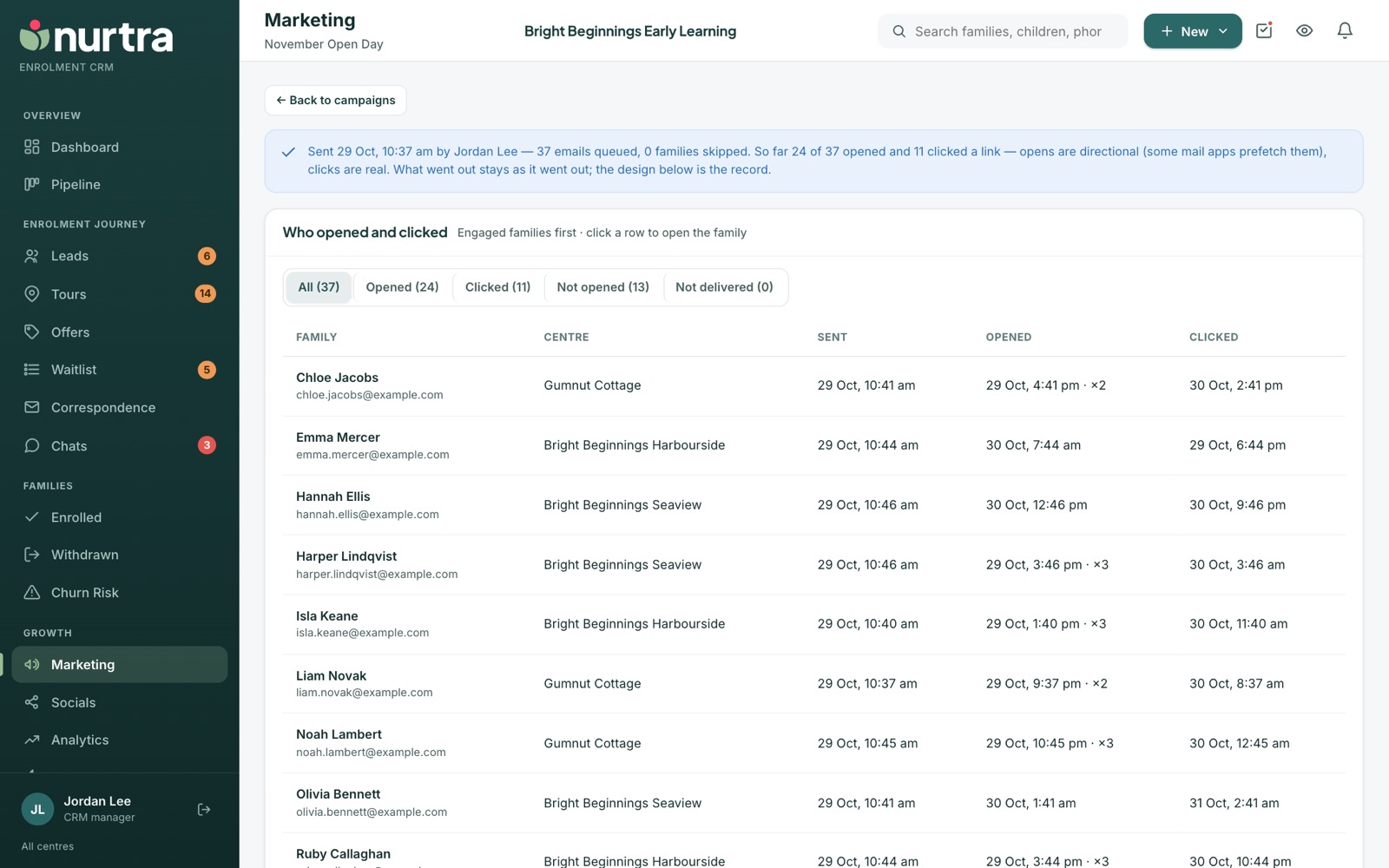
- Open a sent campaign to see each family's sent, opened and clicked times, filtered by All, Opened, Clicked, Not opened or Not delivered. Click a row to open the family.
- Opens are approximate because some mail apps prefetch them. Clicks are real.
- A sent campaign's design is kept as the record of what went out.
Updated 2026-11-06 · nurtra.ai