Settings
Placeholders and centre snippets
Merge fields that personalise every message, and blocks of text that change per centre.
Message Placeholders
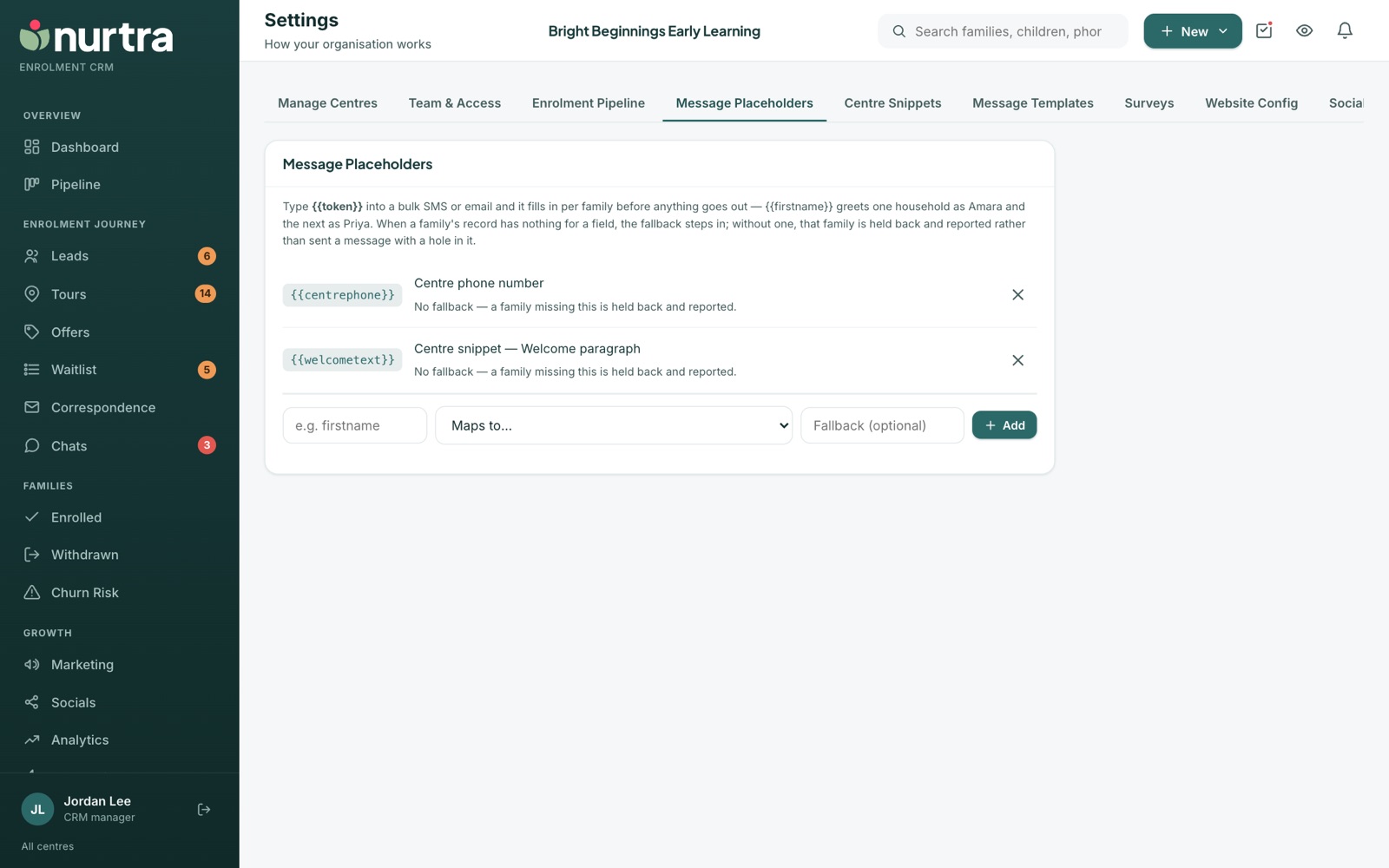
Type {{token}} into any email, SMS, campaign or automation and it fills in per family before sending.
| Placeholder | Fills in | If missing |
|---|---|---|
{{parentfirstname}} | Parent's first name | "Parent" |
{{parentfullname}} | Parent's full name | "Parent" |
{{parentsurname}} | Parent's last name | Held back |
{{childfirstname}} | First child's first name | Held back |
{{centrename}} | Centre name | Held back |
{{centresnippet}} | The centre's welcome snippet | Held back |
{{consultantname}} | Whoever sends it (the centre, in automated emails) | Held back |
{{consultantposition}} | The sender's job title from Team & Access, or their role when no title is set (blank in automated emails) | Held back |
{{enrolmentform}} | Centre enrolment form link | Held back |
{{preferredstartdate}} | Preferred start date | Held back |
{{tourdate}} / {{tourtime}} | The tour on the record | Held back |
- With no fallback, a family missing that field is held back and reported rather than sent a message with a gap.
- Add your own placeholder and map it to any field: parent email or phone, family name, centre phone, email, director or suburb, child's full name or date of birth, the family's personal book-a-tour link, or a centre snippet.
- A placeholder still used by a template can't be deleted. The message names the templates.
Centre Snippets
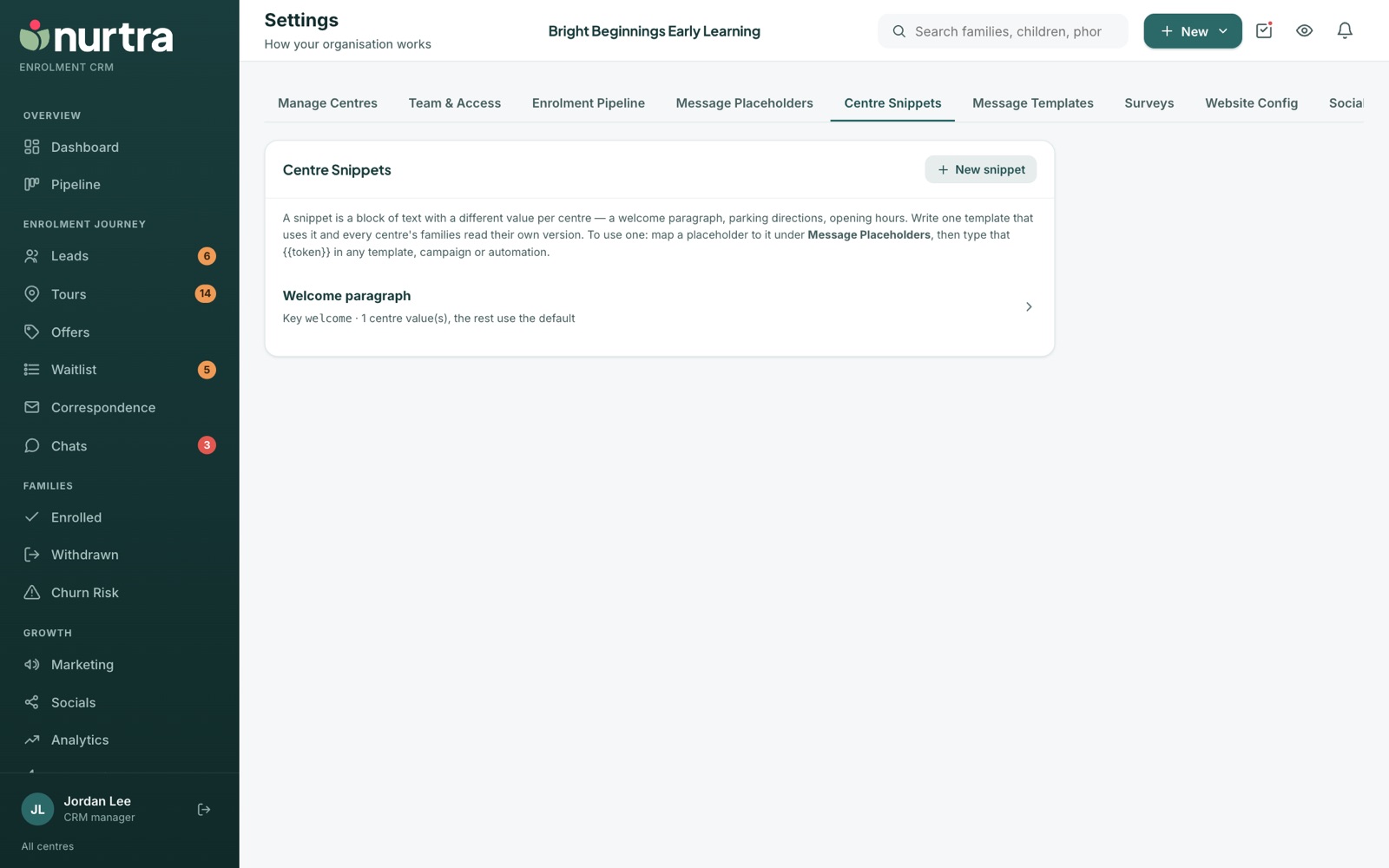
A snippet is text with a different value per centre, such as a welcome paragraph, parking directions or opening hours. The tab appears once you have more than one centre.
- Press New snippet, name it and write the default text.
- Fill in each centre's own version in the grid. Blank centres use the default.
- In Message Placeholders, add a placeholder (for example
{{welcometext}}) and map it to the snippet. - Type that token in any template. Each family reads their own centre's words.
Updated 2026-11-06 · nurtra.ai