Settings
Social Media and Facebook lead ads
Connect Facebook, Instagram and TikTok to read your posts, and bring Facebook lead-ad submissions in as enquiries.
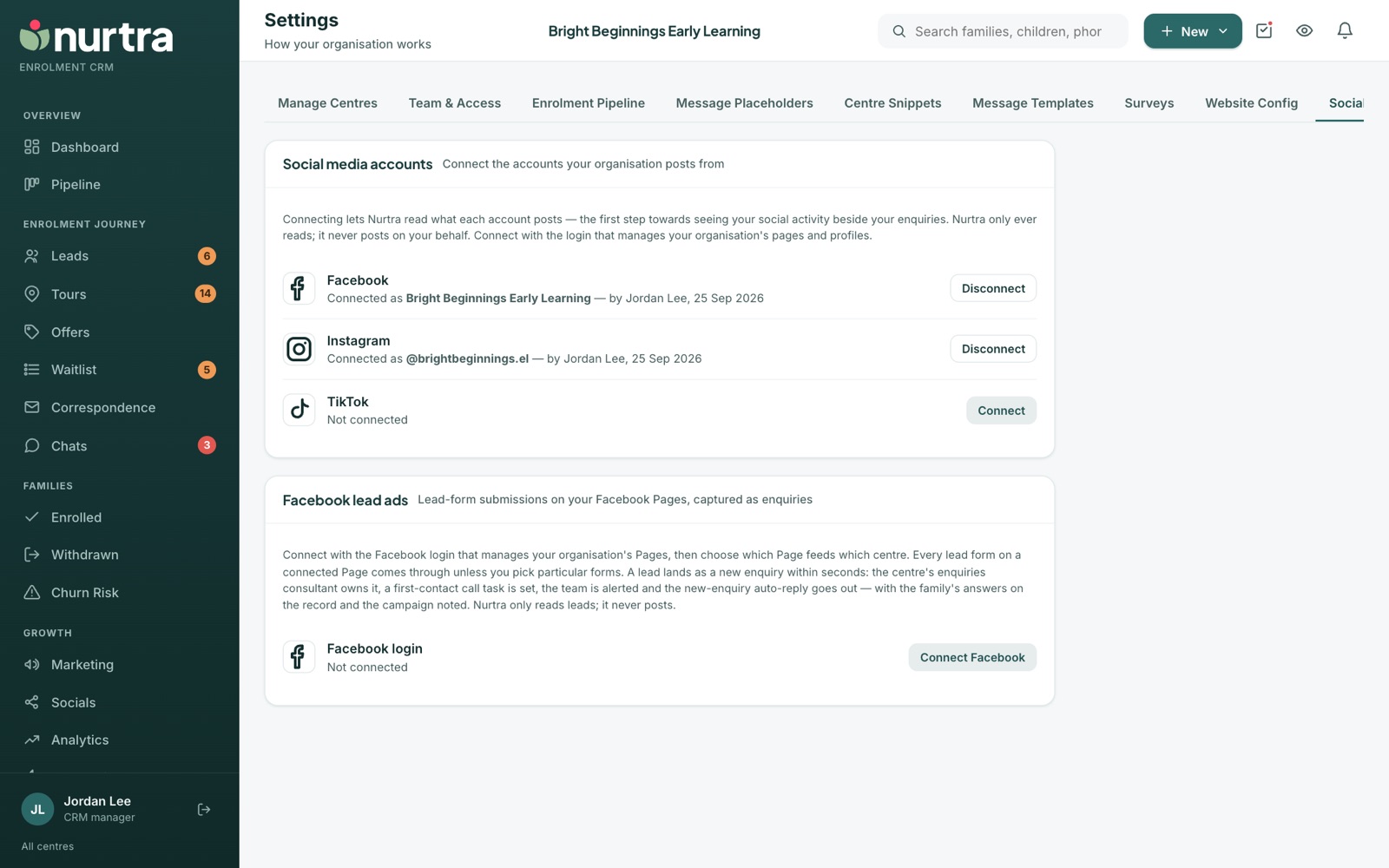
Connect accounts
- Connect each platform with the login that manages your organisation's pages.
- Each card shows who it's connected as, who connected it and when, with Disconnect.
- Nurtra only reads. Disconnecting revokes stored access straight away.
Facebook lead ads
- Press Connect Facebook with the login that manages your Pages.
- Choose which Page feeds which centre.
- Optionally pick specific forms on a Page if only some are enquiries.
- Each submission lands as an enquiry within seconds: consultant assigned, first-contact task set, team alerted and auto-reply sent, with the family's answers and the campaign on the record.
- Press Check for new leads if you think one was missed.
Updated 2026-11-06 · nurtra.ai