Enrolment journey
Chats
Answer families who start a conversation in the chat widget on your website. Replies reach their browser instantly.
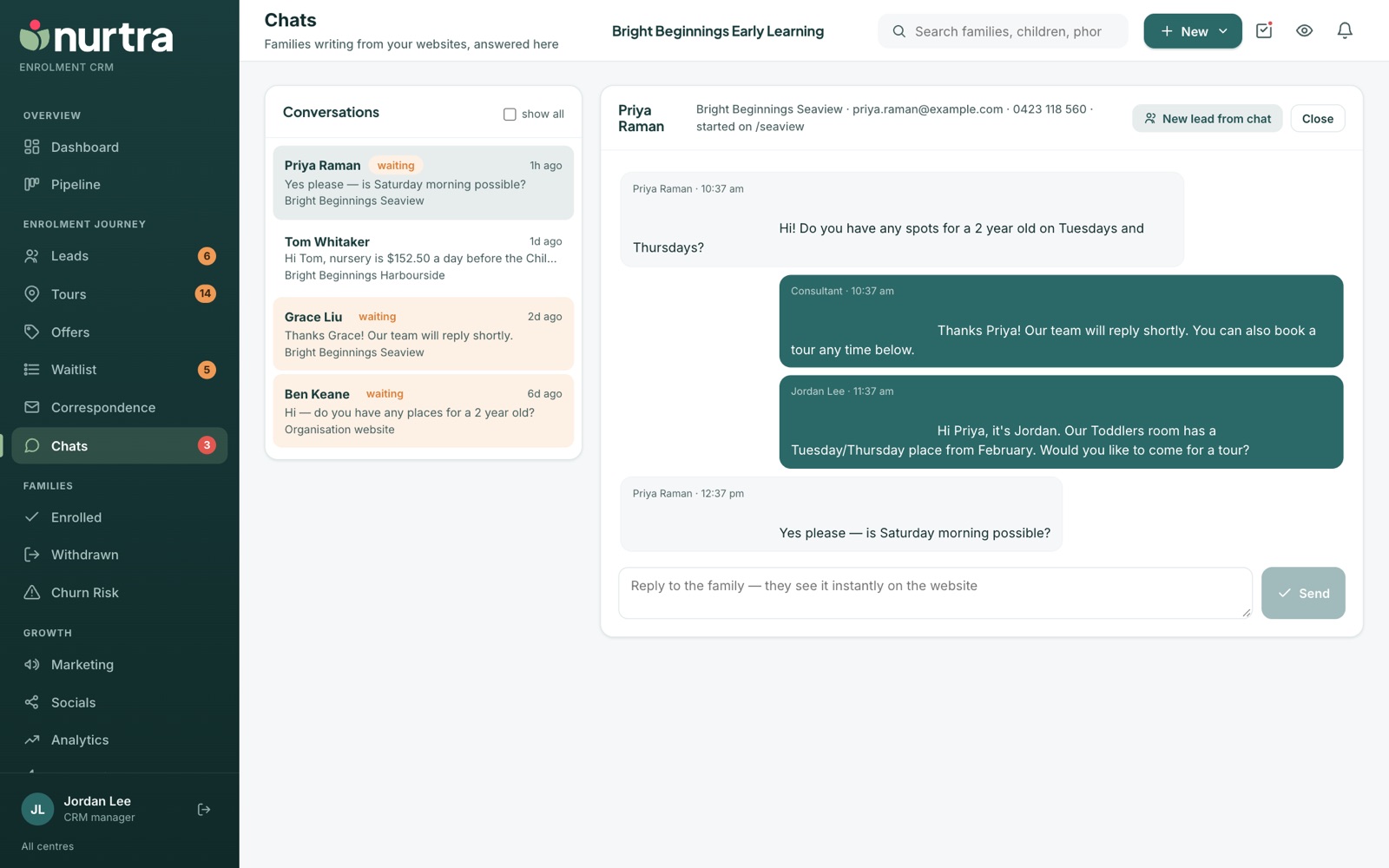
- The left column lists conversations with the family, type (for example Enrolment enquiry or Account enquiry), centre and last message. show all includes older threads.
- Threads where the family had the last word are marked waiting.
- While anyone is waiting, the Chats item in the sidebar pulses red and a bell rings on every page until someone answers.
- Every chat creates a lead, with the ad or search that brought the family.
Reply to a chat
- Open Chats and pick a waiting conversation.
- Type your reply and send. Your profile photo shows beside it.
- Open the family from the thread to book a tour or log details.
Chat hours, greeting, away message and widget colours are set in Website Config.
Updated 2026-11-06 · nurtra.ai