Settings
Files and attachments
A shared library for the enrolment pack, fee schedule and parent handbook, attached to emails and templates from a picker.
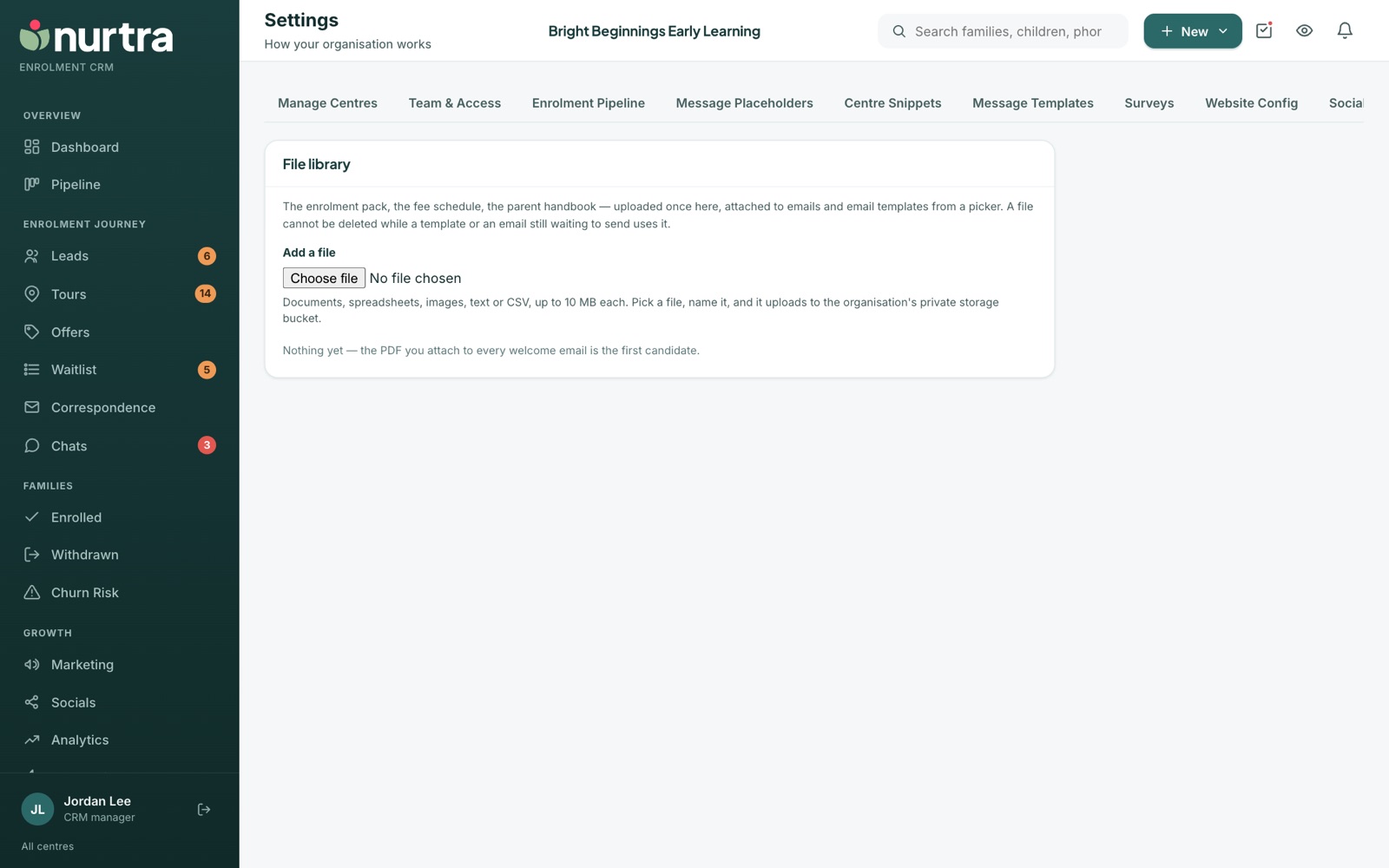
- Press Add a file.
- Pick a document, spreadsheet, image, text or CSV file up to 10 MB, and name it.
- It uploads to your organisation's private storage.
A file can't be deleted while a template, or an email still waiting to send, uses it.
Updated 2026-11-06 · nurtra.ai