Settings
Manage Centres
Each centre's rooms, capacity, vacancies, fees, contacts, tour times and default consultant.
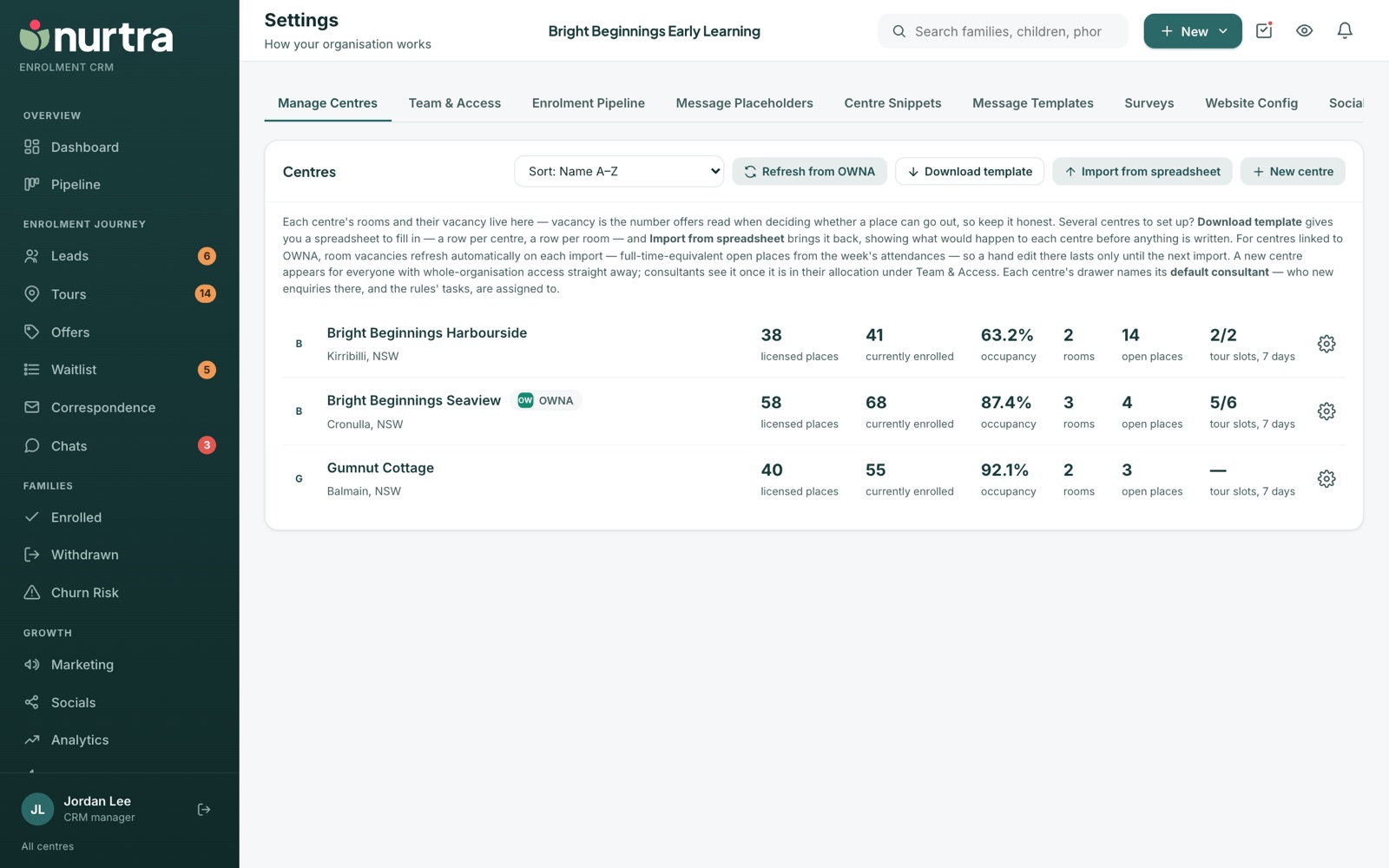
The centre list
- Each centre shows licensed places, currently enrolled, occupancy, rooms, open places and tour slots in the next 7 days.
- Sort by name, occupancy or open places.
- Refresh from OWNA updates linked centres' occupancy, enrolments, open places, phone, email and logo.
What to set on each centre
- Rooms: name, age range, capacity, vacancy and session fee. Offers read the vacancy count, so keep it accurate.
- Contact phone, email and director's name. The email is where Notify centre writes.
- Default consultant: new enquiries and automation tasks for the centre go to them.
- Tour times, families per slot, and closed days.
- Enrolment form link, used in offer letters.
- Offer defaults: the bond and enrolment fee every new offer at the centre starts from. Both are $0 until you set them, and a consultant can still change them on an offer.
- A thank-you page URL for after the enquiry form (for your analytics pixel), and up to four custom questions.
- The centre's enquiry form and book-a-tour links and embed snippets.
Set up many centres at once
- Press Download template. It has a Centres sheet, a Rooms sheet and a guide.
- Fill in a row per centre and a row per room.
- Press Import from spreadsheet. Nurtra shows what would happen to each centre before anything is written.
Centres linked to OWNARoom vacancies refresh on each import from the week's attendances, so hand edits last only until the next refresh. Staff and utility rooms are left out.
Updated 2026-11-06 · nurtra.ai