Settings
Message Templates
Reusable emails and SMS for one-to-one sends, campaigns and automations.
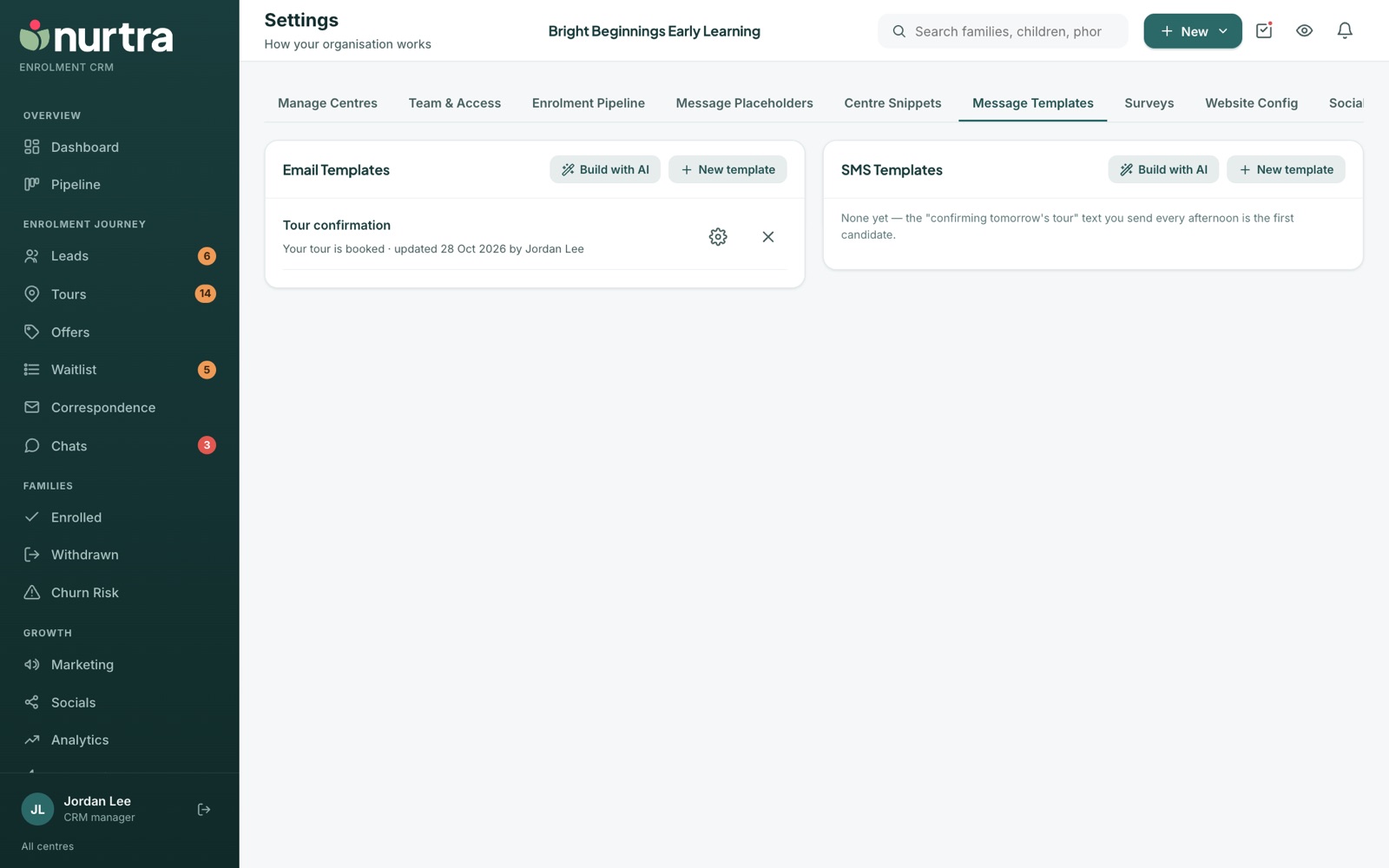
- Email templates on the left, SMS templates on the right, grouped by category with a Category filter.
- Each template shows its subject and who last updated it.
Create a template
- Press New template, or Build with AI and describe it in a line.
- Give it a category (for example Leads, Tours, Offers, Fees). Existing categories are offered as you type.
- Write the subject and body, inserting placeholders.
- Attach files from the file library if needed, then save.
- Sign automated templates as the centre or with the director's name, because
{{consultantname}}becomes the centre's name when an automation sends. - Every email is wrapped in a branded layout with the centre's logo, so keep the body to the words.
- An SMS template is limited to 160 characters. The counter turns red if you go over.
Updated 2026-11-06 · nurtra.ai