Families
Enrolled families
Every family enrolled at your centres, with contact details, children, start date and annual fees.
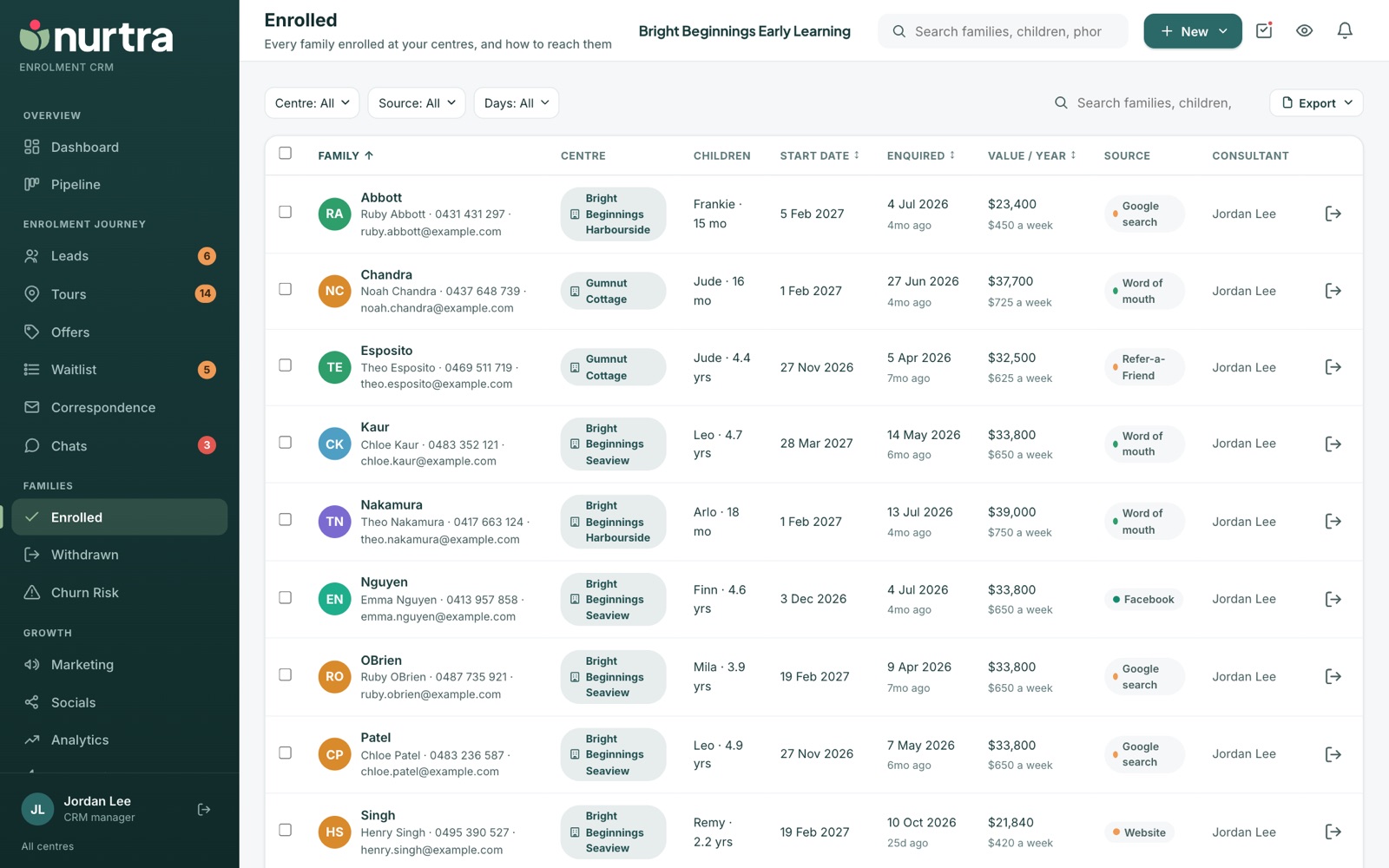
- Filters: Centre, Brand, Source and Days. Search, Export, and bulk email or SMS work as on the Leads list.
- Sort by family, start date, when they enquired, or value.
- Columns show the parent and contact details, centre, children and ages, start date, enquiry date, value a year, source and consultant.
Withdraw a family who is leaving
- Press Withdraw on their row, or on their record.
- Choose a reason from the Withdrawn reasons list (for example started school or moved away).
- Enter the date they left and a note.
The family moves to Withdrawn.
Updated 2026-11-06 · nurtra.ai